

In your website’s Writing Settings, you can configure some options related to your site’s content. This guide will explain each setting.
In this guide
To visit the Writing Settings:
- Visit your site’s dashboard.
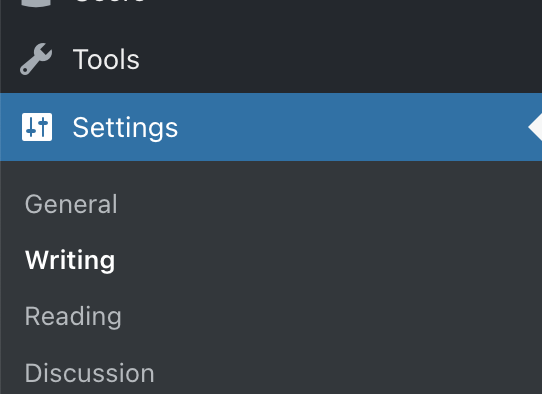
- On the left side, hover your mouse over Settings near the bottom.
- Select Writing.
Each setting found here is explained below.
Most themes on WordPress.com no longer include post formats. However, if your theme supports multiple post formats, you can select the default post format applied to a post. If you make no changes, the default post format is “Standard.”

Markdown is a form of writing that uses plain text to add formatting elements (headings, bulleted lists, URLs) without using a formal text editor or HTML tags. If you toggle on the “Write posts or pages in plain text Markdown syntax” option, you can write content in markdown in the Classic Editor as well as within a Classic block.
Click on the Date and Time Format panel to expand these options and choose:
- Date format: how dates appear on your website.
- Time format: how times appear on your website.
- Week starts on: which day the week begins in calendar views.
To create a custom time or date format for your site, visit the WordPress.org guide to formatting date and time.
Click the “Save Settings” button at the top to apply the new format for all dates displayed on your site.

In this section, you can:
- Set the number of blog posts displayed per blog page. The default number of posts per page is 10. Keep in mind that setting a higher number here may make your blog slower to load.
- This setting applies to the posts page you have chosen in Settings → Reading. This setting does not apply if using the Blog Posts block to display posts on a page manually.
- Activate testimonials (if needed) and set the number of testimonials displayed per testimonial page. Learn more about setting up testimonials.
- Activate portfolio projects (if needed) and set the number of projects displayed on portfolio pages. Learn more about setting up portfolio projects.
These settings control your site’s RSS feed.
- Control the number of posts included in your site’s feed.
- Limit the feed to excerpts only. Users will need to visit your site to view the full content.
These settings affect feeds only and, therefore, have no effect on how content appears on your site.
Enable or disable Infinite Scroll, available if supported by the site’s theme.
Press This provides an easy way to grab text, images, or video from any website and post it to your blog without ever visiting WordPress.com. Learn more about Press This here.
These instructions are referring to the WP-Admin interface. To view this interface, click the View tab in the upper right corner and select Classic view.
In the Classic view, there are some additional settings:
- The Default Post Category lets you select the category to be applied to a post if you forget to assign categories before publishing. Learn more about categories here.
- The Default Link Category is similar to the previous settings but is for blogroll links. This feature is rarely used.
- Post by Email is a way of publishing posts on your blog by email. Any email client can be used to send the email, allowing you to publish quickly and easily from devices such as cell phones. Learn more in our Post by Email support guide.
After changing any of these settings, click the “Save changes” button at the bottom of the screen.


