

URL shortener services like bit.ly and TinyURL can create shorter versions of a link to share on social media services. This guide will show you how to use the built-in shortening feature, wp.me, to quickly and easily share short links of your pages and posts.
To find the shortlink for any page or post on WordPress.com, take the following steps:
- Visit your dashboard.
- Click on Pages or Posts on the left side.
- Click on the title of any published page or post to open it in the WordPress editor.
- Click on the green “Jetpack” icon in the top-right corner:

- Click on the “Shortlink” option.
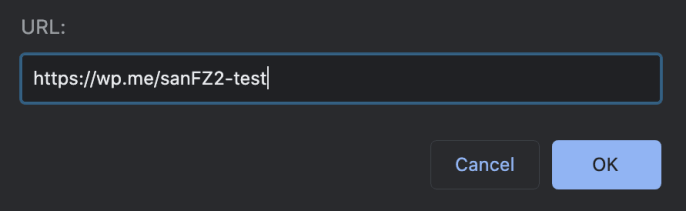
- Click the button labeled “Copy” to copy the link to your device’s clipboard and share it anywhere you like.

When viewing a post or page while logged into your WordPress.com account, you can copy the shortlink from the Action Bar:
- Visit a page or post in your web browser.
- Click the “three dots” icon in the action bar at the bottom right of the screen.
- Click “Copy shortlink” to copy the link to your device’s clipboard and share it anywhere you like.



