Themes » Premium Themes
Contents
- Where to Find a Premium Theme
- How To Get a Premium Theme
- How to Transfer a Premium Theme
- Premium Theme Support
Related
WordPress.com’s collection of beautiful and amazing themes continues to grow with the introduction of Premium Themes, featuring intricate designs, exciting options for customization, and exclusive support directly from the theme authors themselves.
Where to Find a Premium Theme
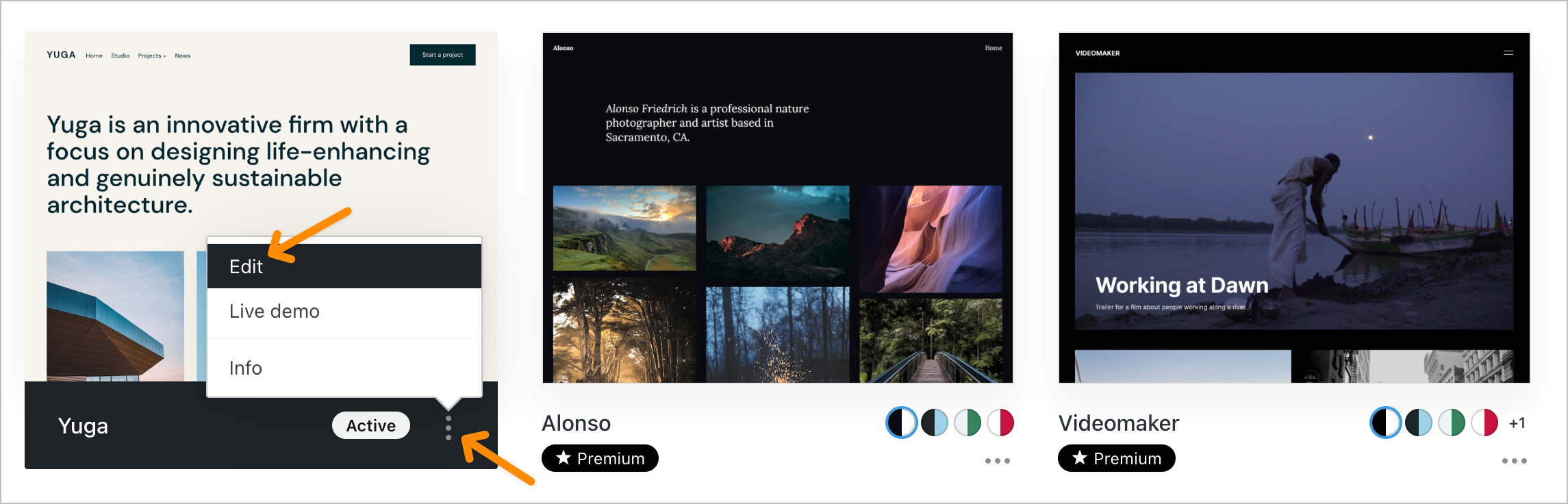
You can find and preview Premium Themes in two spots: on our WordPress.com Theme Showcase and right in your WordPress.com dashboard.
On the Theme Showcase you’ll find detailed information about the special features each theme offers along with a link to a special demo site that lets you cruise through it and get a feel for it. Check out our current stock of Premium Themes on the Theme Showcase.
If you’re in your dashboard you can see all of our Premium Themes under the Appearance page by clicking on the Premium link above the Theme Viewer.
How To Get a Premium Theme
Activating a Premium theme is similar to activating a Free theme. From your dashboard menu navigate to Appearance -> Themes and click on the Premium link. There you’ll see a familiar grid of all the available Premium themes.

You can preview how any theme will look on your site by clicking the Preview link or just click the Purchase & Activate link (where you’ll also see the price for each theme). Once you’ve clicked Purchase & Activate you’ll be presented with an upgrade screen where you can purchase the theme.
You can also purchase and activate from the WordPress.com Theme Showcase if you are browsing there. You will have the option to choose which one of your sites you want the theme for.
When you purchase a premium theme, it is available for the lifetime of that blog. If you would like to use the same theme across multiple blogs, you’ll have to purchase the theme for each blog.
Note: Premium Themes are customized for WordPress.com usage only, and cannot be transferred to self-hosted WordPress.org sites.
If a Premium theme doesn’t work out we offer a full refund up to 30 days from your purchase. To cancel your purchase and obtain a refund, please use the Cancel button on the Store -> My Upgrades page. You can always switch to any other Premium theme or one of our other fantastic free themes. And don’t worry, we’re adding more and more free themes all the time. :)
How to Transfer a Premium Theme
You can transfer a premium theme to another site on your account by heading to Store → My Upgrades. Click the link that says Transfer to another site and follow the directions.

Premium Theme Support
Along with the distinctive features and a gorgeous design, purchasing a premium theme for your WordPress.com site also gives you full access to dedicated support on the WordPress.com forums from the theme authors themselves, where you may also find customization tips for your theme. Only the site owners who’ve purchased a theme can post and reply there—though it’s publicly viewable to everyone.
Still confused?
Help us improve:
We're always looking to improve our documentation. If this page didn't answer your question or left you wanting more, let us know! We love hearing your feedback. For support, please use the forums or contact support form. Thanks!