

The Archives block displays a date archive of your posts. You can use the Archives block to organize your previously published posts by year, month, week, or day. This can be handy for readers who want to browse your older content.
In this guide
To add the Archives block, click on the + Block Inserter icon and search for “archives”. Click to add the block to a page, post, or template.
💡
Using your keyboard, you can also type /archives on a new line and press enter to quickly add a new Archives block.
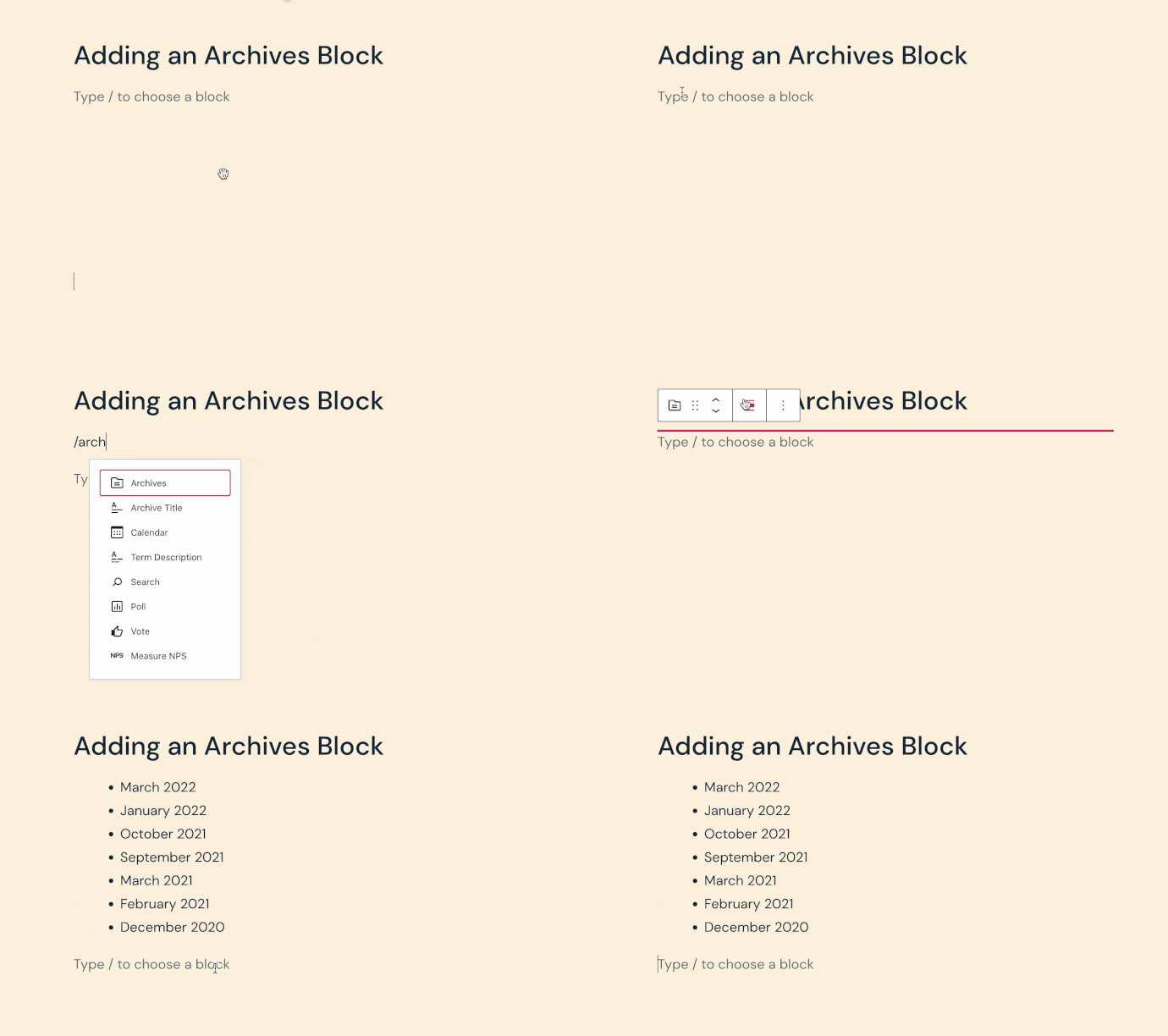
For more information, visit our detailed instructions on adding blocks.
When you click on the Archives block, a toolbar of options will appear above it:

The Archives block has the following options in its toolbar:
- Change block type.
- Drag the block.
- Move the block up or down.
- Change block alignment (left, center, right, and wide and full widths if supported by the theme).
- More options.
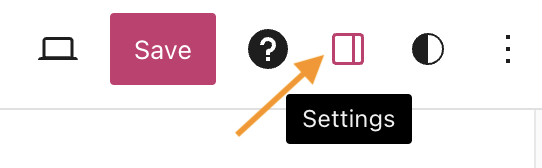
When you select a block, you will find additional block settings in the right sidebar. If you do not see the sidebar, you may need to click the Settings icon in the top-right corner to bring up the settings. This icon looks like a square with two uneven columns:
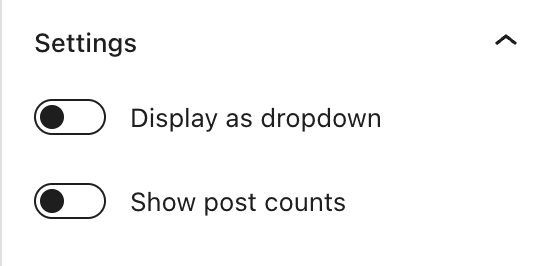
In the Archives block settings, you can adjust the following options:
- Display as dropdown: Choose whether to display the archives as a dropdown list of options, rather than the default bulleted list.
- Show post counts: Display the number of posts next to each date archive.
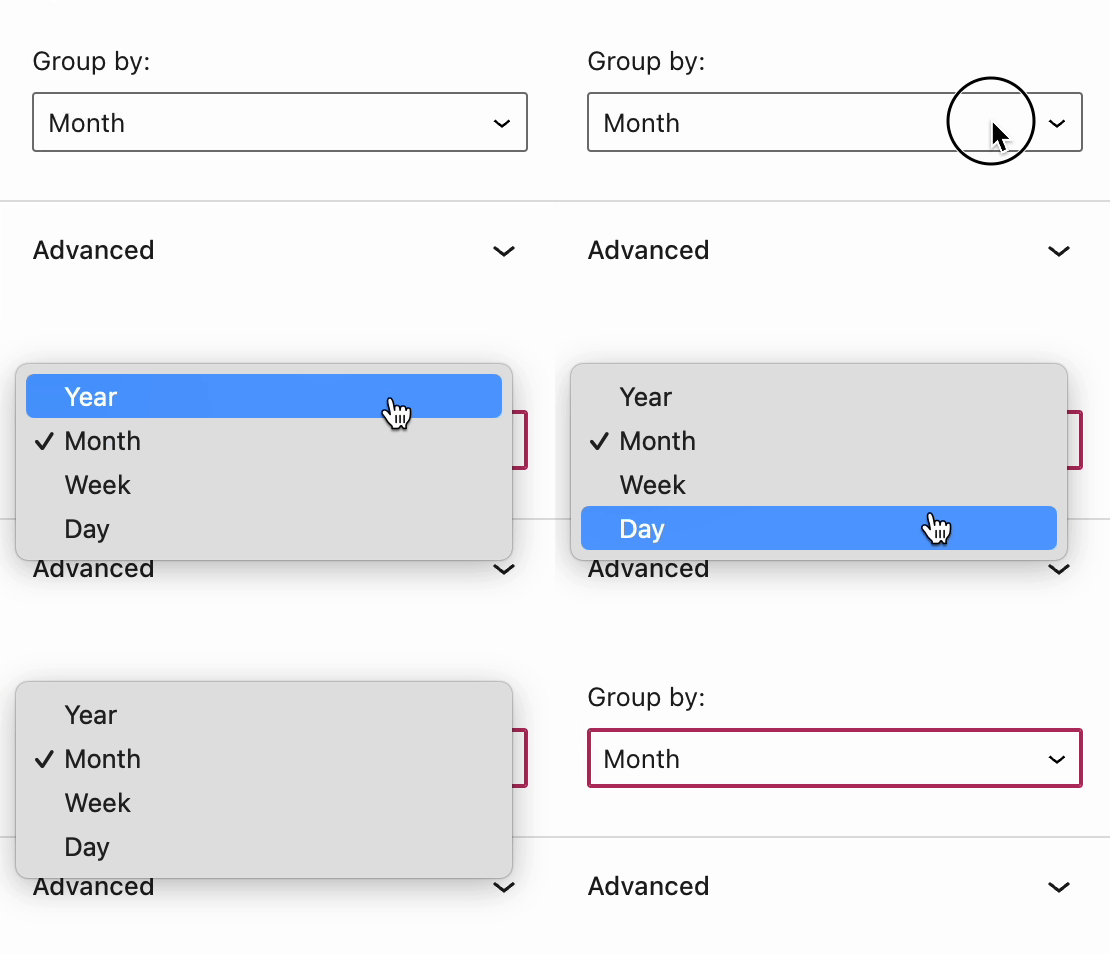
- Group by: Select whether to group the published posts by day, week, month, or year.
The Archives block also includes Advanced settings.
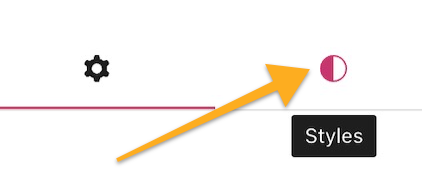
In the block settings sidebar, click on the Styles icon to access the design settings for the block. The Styles icon is in the shape of a circle with half of the circle filled in:
The Archives block includes style settings for:


