

Use the Search block to add a search function to your website, allowing visitors to find specific content they’re looking for. This guide will show you how to add a search box to your site.
In this guide
The Search block will return results from the titles and body of your posts and pages, as well as from media titles, alt text, file names, and single image captions. It will not return results from widgets, comments, categories, gallery captions or other text, or tags.
The search results will display content with the matching term in the title in reverse chronological order. Then, it will display content with the matching term in the body in reverse chronological order. So for example, if you have just published a post about Michigan titled “This Weekend,” and you also have an older post titled “Michigan,” searching for ‘Michigan’ will display that older post, with Michigan in the title, at the top of the list.
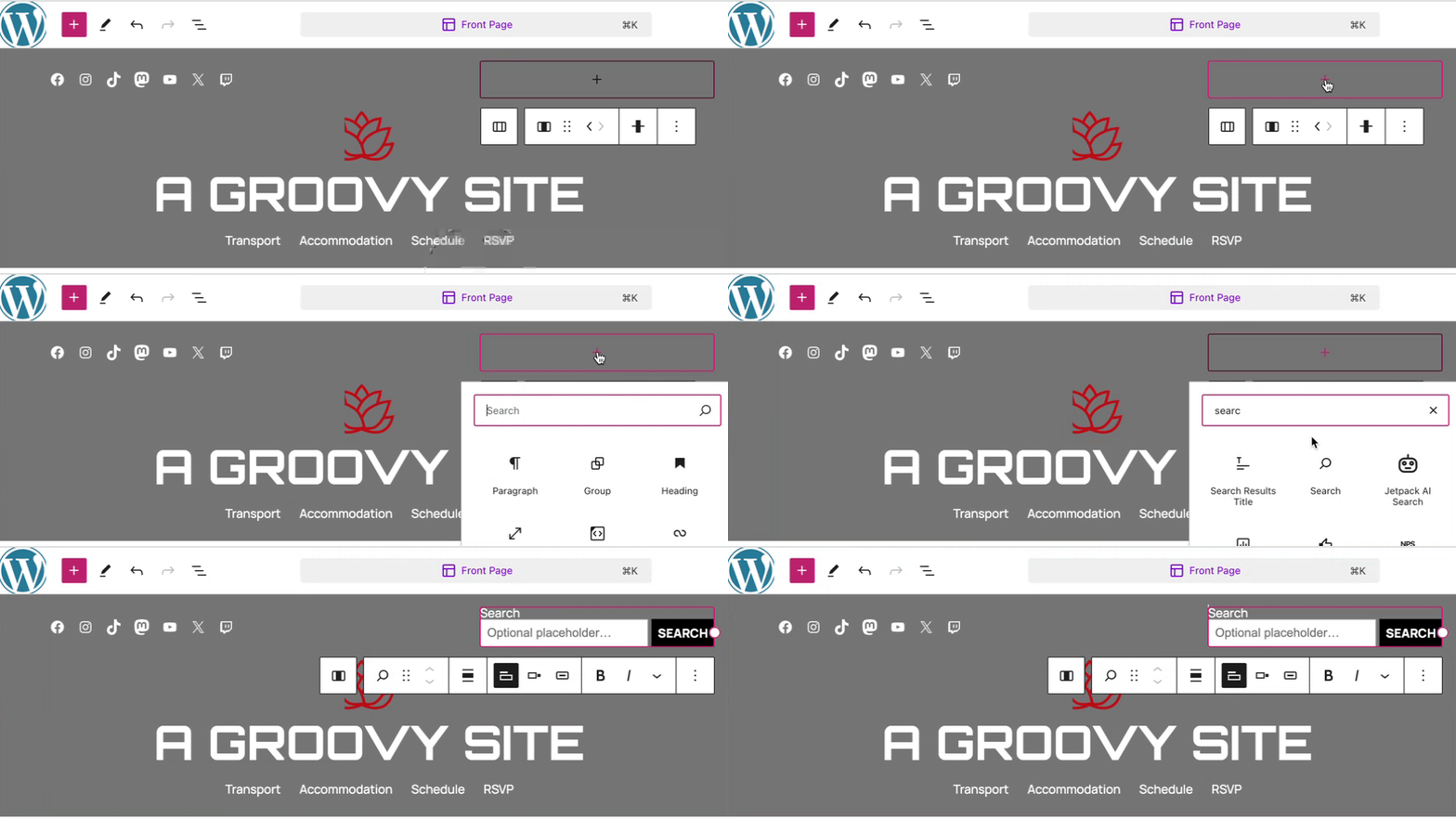
To add the Search block, click on the + Block Inserter icon and search for “search.” Click to add the block to a page, post, or template.
💡
Using your keyboard, you can also type /search on a new line and press enter to quickly add a new Search block.
For more information, visit our detailed instructions on adding blocks.
The placeholder text displays inside the search box and disappears once the visitor starts typing in the box.
To change the placeholder text in the Search block, click into the field and type the text you want to display.

When you click on the block, a toolbar of options will appear:

The Search block has the following options in its toolbar:
- Change block type.
- Drag the block.
- Move the block up or down.
- Align to the left, center, or right of the page.
- Toggle search label: Hide or show the “Search” label above the text entry field.
- Change button position: Place the Search button outside or inside the text entry field or hide it completely.
- Use button with icon: Display the Search button with text or a “magnifying glass” search icon.
- Make the label or button text bold.
- Make the label or button text italic.
- More text formatting options.
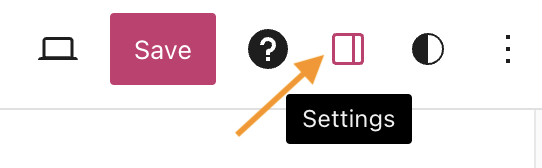
When you select a block, you will find additional block settings in the right sidebar. If you do not see the sidebar, you may need to click the Settings icon in the top-right corner to bring up the settings. This icon looks like a square with two uneven columns:
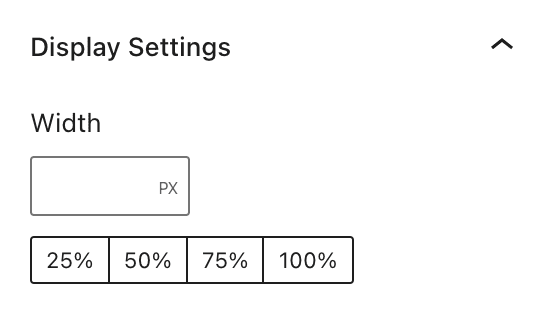
Control the width of the search box using the following options:
- Width: Displays the Search block at the specified width in pixels.
- Percentage: Displays the Search block at a designated percentage of the display width: 25%, 50%, 75%, or 100%.
For more information, visit our detailed instructions on Advanced Settings.
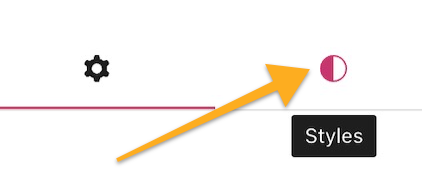
In the block settings sidebar, click on the Styles icon to access the design settings for the block. The Styles icon is in the shape of a circle with half of the circle filled in:
More details for these standard block styles can be found in the following guides:


