

There are several applications that you can use to write and publish content for your WordPress.com site, even without being connected to the internet. You may often hear this referred to as “offline editing.” Below are some examples of offline editors.
In this guide
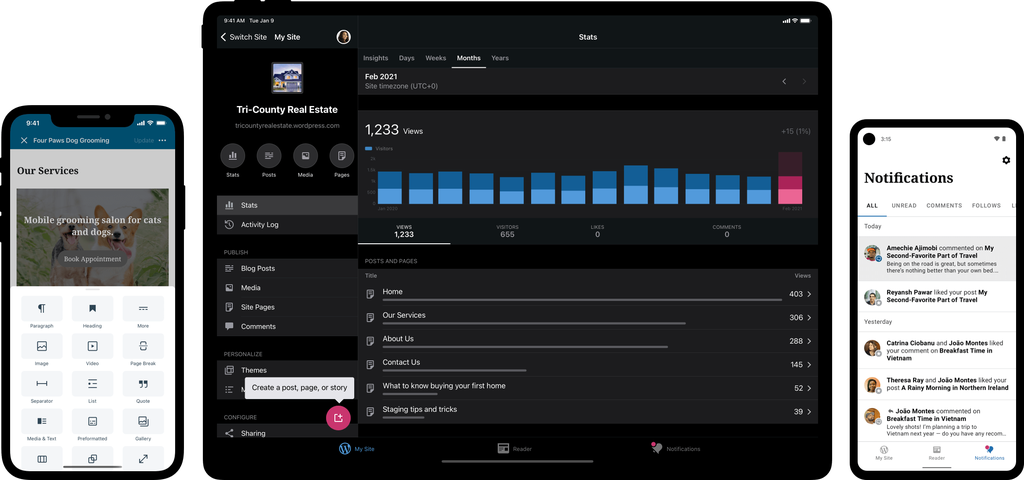
Did you know you could take your homepage and edit your site right from your mobile device? The Jetpack mobile apps can be used to write posts while offline and are available for both iOS and Android. You can create and edit posts and pages for your WordPress.com site at any time from the apps.
WordPress.com supports the major posting standards, such as the MetaWeblog API, so you should be able to use most applications that you come across. Here are a few offline editors/publishers you can try:
- MarsEdit (Mac)
- Open Live Writer (Windows)
- Microsoft Word (2007 or newer)
- QTM (Linux)
- Shareaholic (Firefox Add-on)
- Google Docs Add-on
These applications may ask for something like an XML-RPC (or API) endpoint, which will be your site domain followed by “xmlrpc.php". So, for example, if your site is at matt.wordpress.com, your endpoint would be:
matt.wordpress.com/xmlrpc.php
Any desktop application will also require a username and password – this is the same username and password that you use to login to WordPress.com.


